Downloading when the artist turned the button off
Most deviations have no Download button. That switch was never the only way a file leaves the page — but what you get instead is a different file, and it is worth knowing which one.
-
1
Paste the page address, not the picture
The link you want is the one in your browser's address bar while you are looking at the artwork. It has a shape worth recognising:
deviantart.com/artist/art/Title-123456789. That trailing number is the deviation's real identity — the words before it are decoration and DeviantArt will accept the link with or without them.Dragging the picture off the page, or using your browser's own Save image as, is a different operation with a worse result. What you save that way is whatever the page happened to be rendering at that moment, which is usually a scaled copy fitted to your window, sometimes re-encoded to WebP by the browser, and always stripped of any record of which deviation it came from. The address is stable, portable, and unambiguous.
If the whole gallery is what you are after rather than one piece, the gallery page takes an artist profile link and lists what it has indexed for them instead.
-
2
The callouts are measured, not advertised
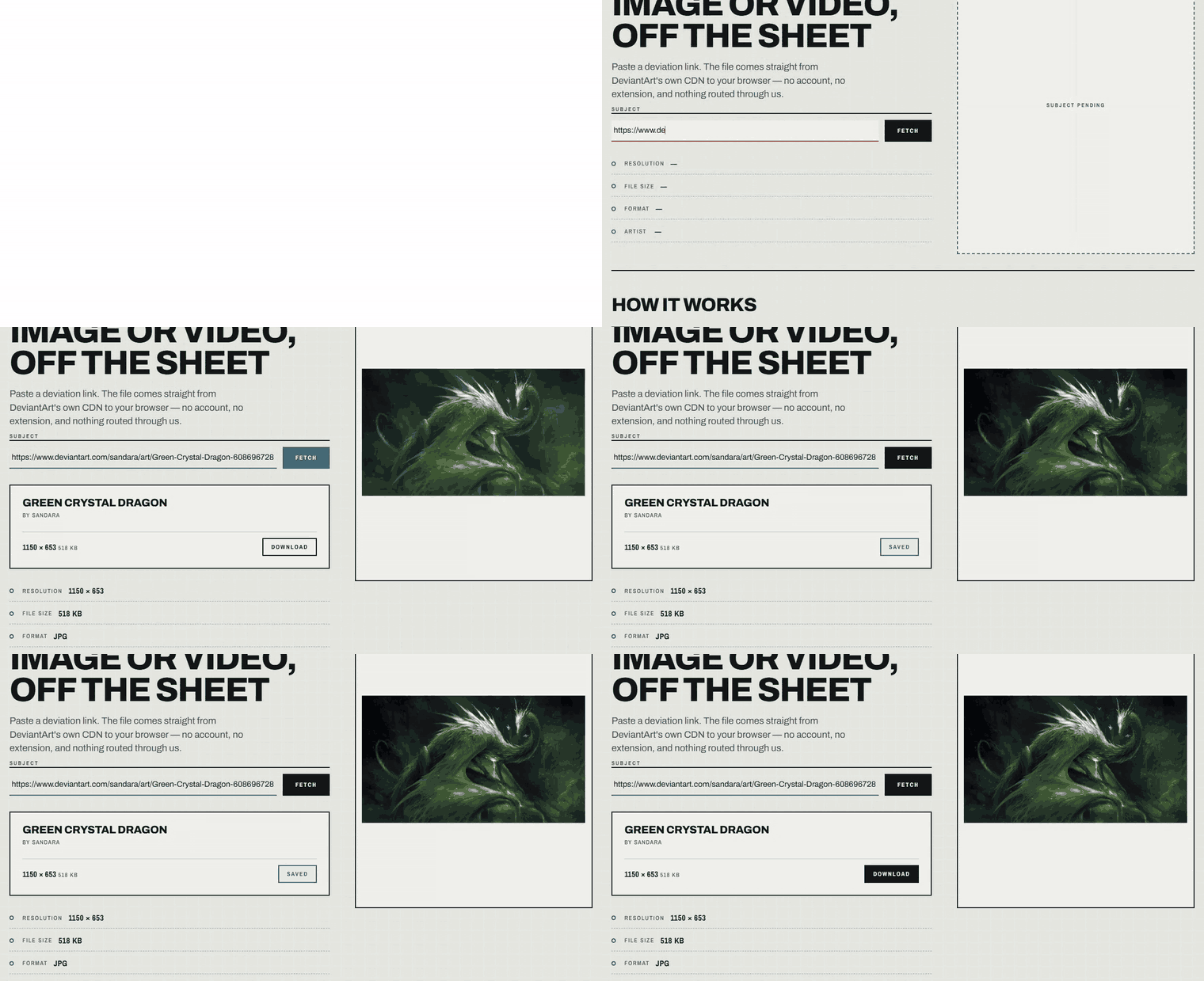
Four values fill in before you commit to anything: resolution, file size, format, and artist. The first three describe the exact bytes you are about to receive, and the file size in particular is measured rather than repeated.
That distinction matters more than it sounds. DeviantArt's own metadata reports the size of the artist's original upload, which has almost nothing to do with the file a visitor can actually get. On one deviation we checked while writing this, the reported figure was 11,114,041 bytes — about 10.6 MB. The file the page actually serves for it is around 60 KB. Quoting the first number at you would be a lie by roughly 180×.
So the size you see here comes from asking the CDN directly how many bytes it will send, and reporting that. If it says 518 KB, the thing landing in your Downloads folder is 518 KB.
-
3
What you are looking at is the published file
The image that appears is the same one the deviation page publishes to anyone who visits it — at the resolution DeviantArt chose to publish, which is frequently large. It is not the artist's private master, and no tool that works without your DeviantArt password can hand you that.
This is the honest answer to the question the missing button raises. Turning off downloads restricts the original upload. It does not, and was never intended to, withdraw the display copy that every visitor's browser already receives in order to render the page. You are saving what you were already sent.
A small share of deviations behave differently: DeviantArt publishes only a deliberately blurred copy of them, at every size it offers — full view, preview, and all three thumbnails. There is no clean version to fall back to. When we hit one of those we say so and stop, rather than handing you a blurred JPEG and calling it artwork.
-
4
The save, and where the bytes come from
Pressing the button starts a transfer from DeviantArt's own CDN straight to your browser. Nothing routes through this server, which is why the speed you get is your own connection's speed and why a busy afternoon here does not slow your download down.
The file arrives named for what it is — the artwork's title, the artist's name, and the pixel dimensions, so a folder full of saves stays legible a month later and the artist stays attached to their work.
Large files show a percentage while they transfer. That counter is not decoration: your browser holds the whole file in memory before writing it to disk, so on a phone a very large video is genuinely a memory question, not just a waiting question. Images are almost never big enough for this to matter.
Questions this raises
Is this the same as right-clicking and saving?
No. Right-click saves whatever your browser is currently displaying, often a scaled-down copy fitted to your window. This resolves the deviation and fetches the file at the resolution DeviantArt publishes it.
Does the artist find out?
No request identifies you to them. The transfer is an ordinary CDN fetch, indistinguishable from your browser loading the page normally.
Why did a link fail when the artwork clearly exists?
The most common cause is a transient rate limit rather than missing data — waiting a few seconds and pressing Fetch again usually resolves it. A permanent failure means the deviation was deleted, has no downloadable file at all (literature and CSS journals do not), or is one of the blurred-at-every-size cases.